
Maintenance & Repair
Prepare your product details and a description of the issue.
View preparation guideAFTER-SALES SUPPORT
All customers must register an account in WRMS to submit and complete their after-sales requests.
OUR AFTER-SALES SUPPORT
Explore the preparation guides, then continue your request in WRMS.
Prepare your product details and a description of the issue.
View preparation guide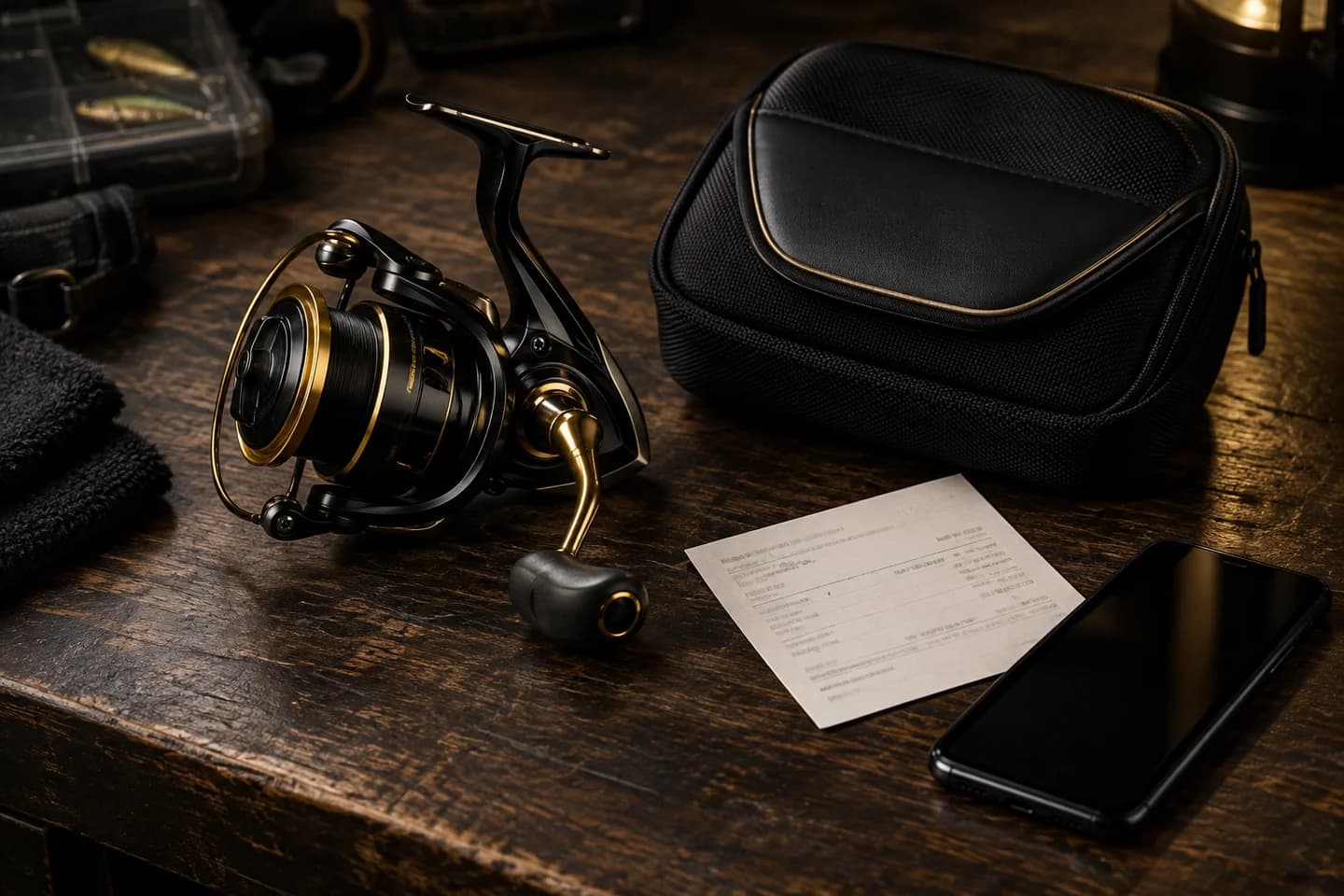
Review the information to prepare before submitting your request.
View warranty guideBEFORE YOU BEGIN
Have the following information ready, then follow the instructions in WRMS to submit your request.
Your product brand, model and serial number, where available.
Your receipt or other proof of purchase, retailer and purchase date.
Describe what happened and prepare clear photographs of the product and the issue.
Maintenance & repair
Submit your request through WRMS first. Follow the service team’s instructions for assessment, packing and delivery before sending a product.
Warranty support
Coverage, exclusions and service arrangements depend on the product, brand and applicable warranty terms. Registration or submission does not confirm warranty approval. Refer to the official terms and instructions provided through WRMS.
View warranty information in WRMSCreate your account at wrms.sanglintackle.app.
Follow the instructions in WRMS to provide your details.
Complete your after-sales process in the same portal.

SANG LIN TACKLE WRMS
Account registration is required. Start or continue your request in the portal.
wrms.sanglintackle.app